
Understanding the Closed Sales Grid
Aimbase looks at data gathered from new registrations and tries to determine if the person the registration is for already exists as a prospect. If specific matching criteria are met, then Aimbase notes that the registration matched to a prospect. When this happens, the record is counted as a “closed sale” which appears on the prospect’s timeline, closed sales reports, and the Closed Sales grid.
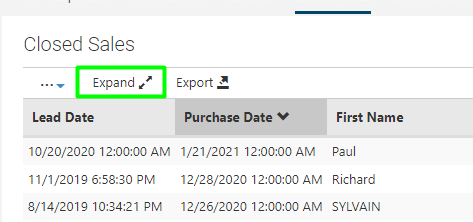
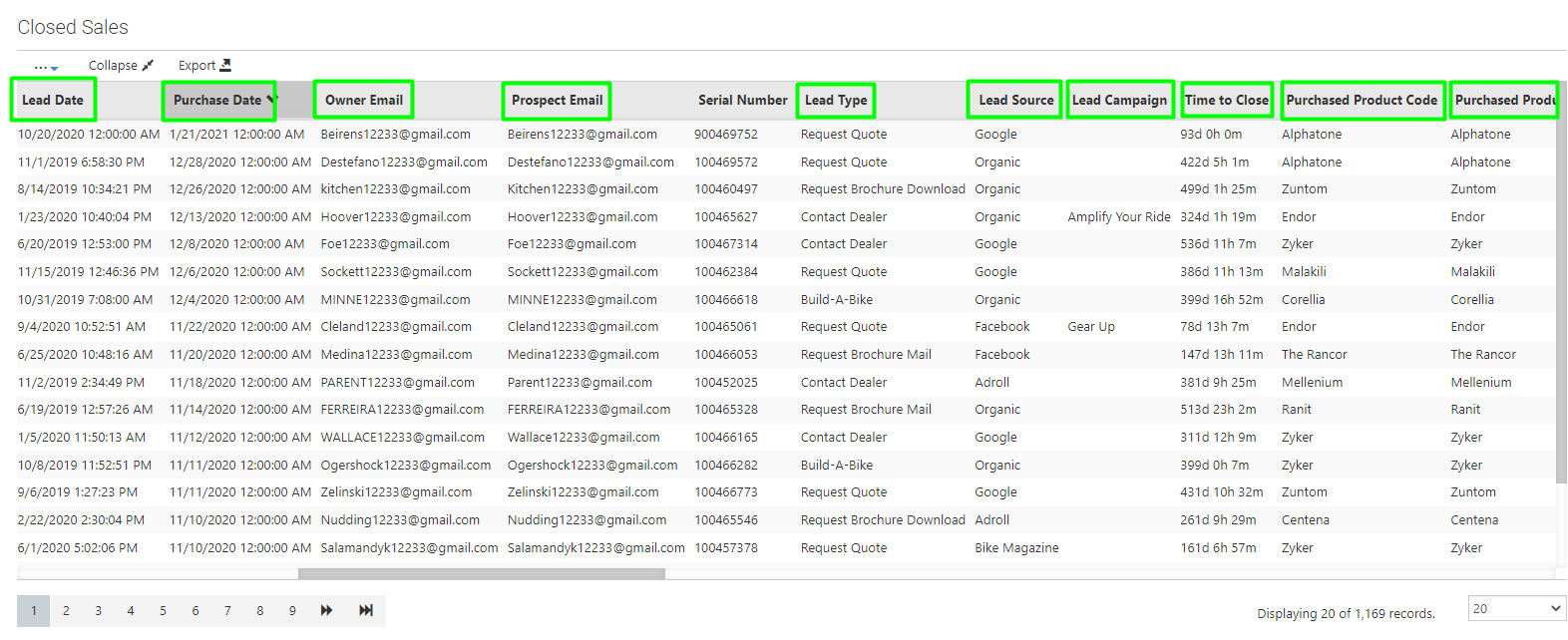
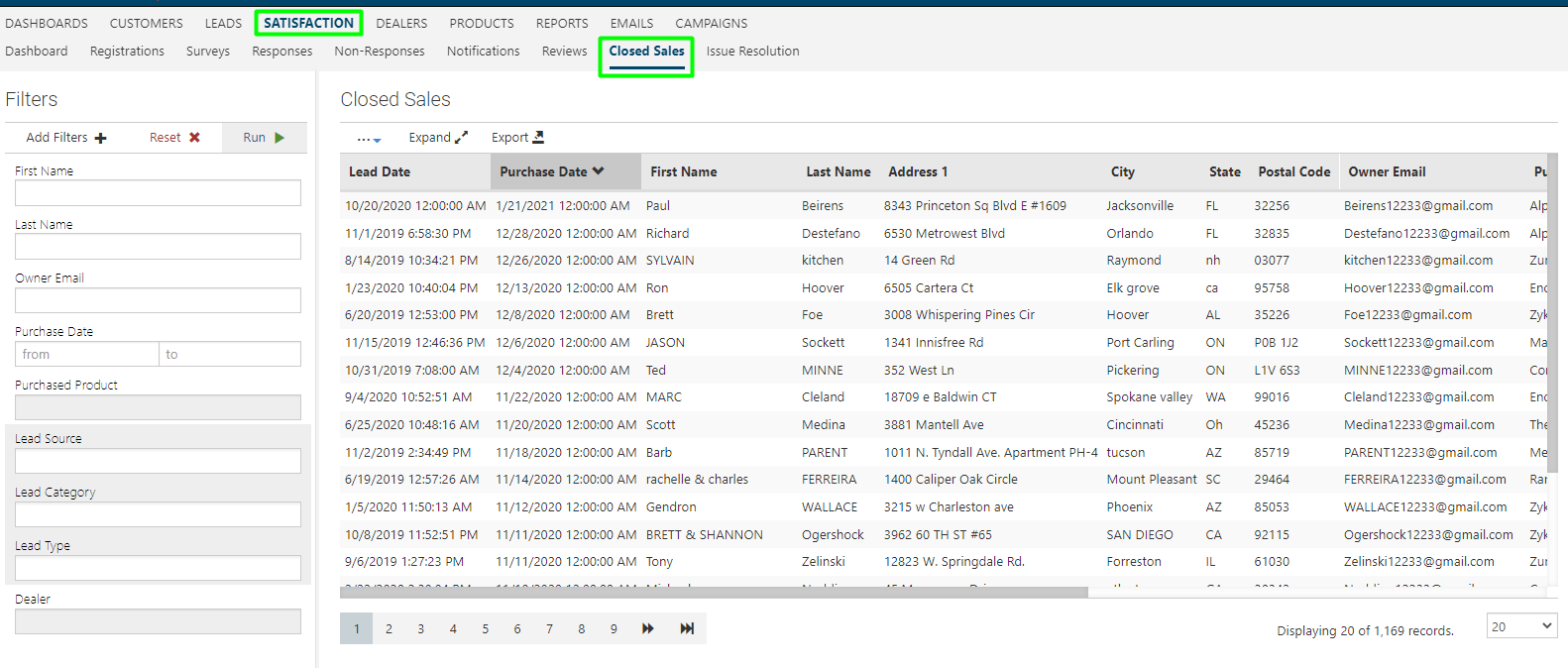 You can Expand the Close Sales grid to show more data such as Lead Date, Purchase Date, Lead Type, Lead Source, Lead Campaign, Time to Close Owner Email, Prospect Email, Lead Product of Interest and Purchased Product. If you run campaigns (email and media) the Lead Campaign data can be used to capture ROI for your efforts.
Closed Sales Details
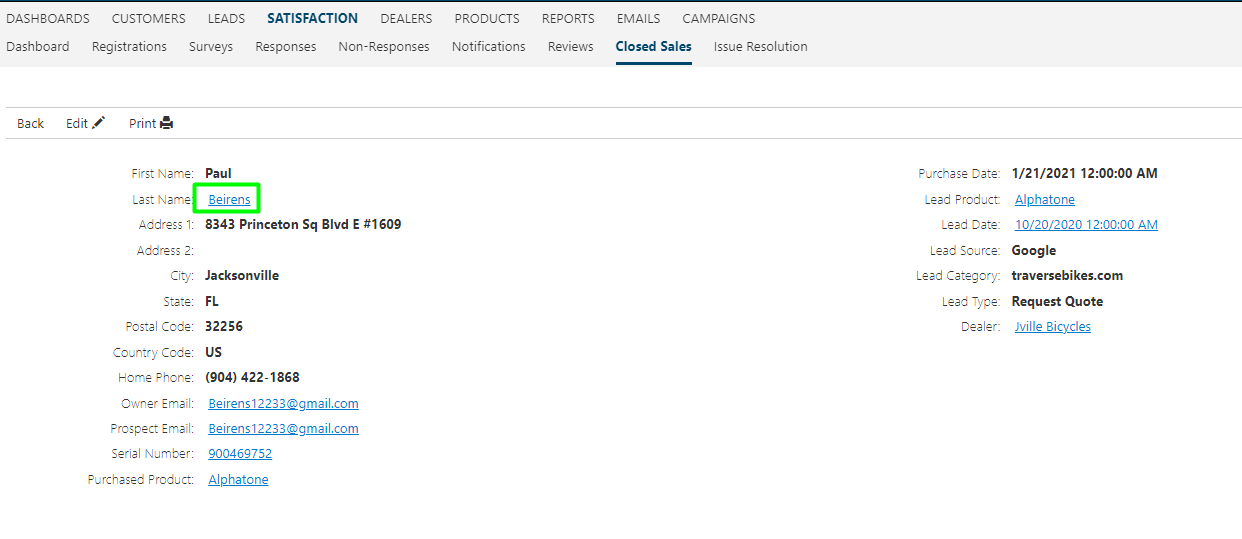
Click into an owner to see all of their information. On the closed sales detail page you can see the email address provided on the registration vs matched prospect. Aimbase uses the email address as one of the attributes to validate that they are the same person.
From here you can click on the Owner's last name which to take you to the prospect timeline for a wholistic view of the consumer.
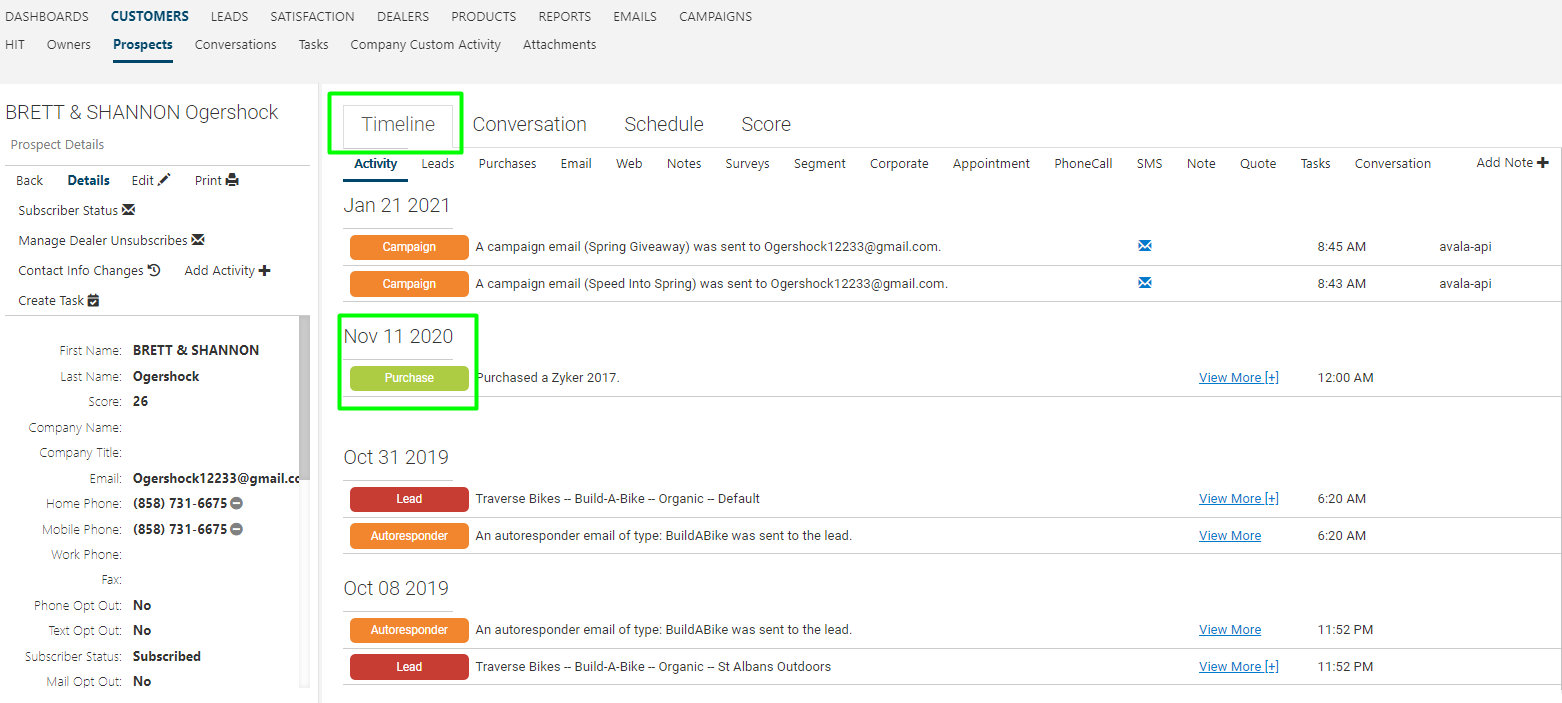
The timeline provides a consolidated view for all the owner's activity, including when the lead first came in, any emails sent, and when they made a purchase.
FAQ's
1. What is the Closed Sales grid in Aimbase?
The Closed Sales grid shows registrations that Aimbase has matched to an existing prospect. When registration data meets specific matching criteria, Aimbase identifies it as belonging to the same person and records it as a “closed sale.” This closed sale appears on the prospect’s timeline, in closed sales reports, and within the Closed Sales grid.
2. How does Aimbase determine whether a registration should be counted as a closed sale?
Aimbase compares new registration data to existing prospect records. If the registration information matches an existing prospect based on key criteria, Aimbase flags it as a match and counts it as a closed sale.
3. What additional information can I view in the Closed Sales grid?
The grid can be expanded to show more detailed data, including:
- Lead Date
- Purchase Date
- Lead Type
- Lead Source
- Lead Campaign
- Time to Close
- Owner Email
- Prospect Email
- Lead Product of Interest
- Purchased Product
This expanded data can also support ROI tracking for email and media campaigns.
4. What information is available on the Closed Sales detail page?
On the detail page, you can see all the owner’s information, including: The email address used on the registration and the email address of the matched prospect.
Aimbase uses the email address as one of the attributes to validate that the registration and prospect belong to the same person.
From this page, you can also select the owner's last name to view their full prospect timeline. The prospect timeline provides a holistic, consolidated view of the owner’s activities, including:
- When the lead was first created
- Emails sent to the consumer
- When a purchase was made
This timeline allows you to see all consumer interactions in one place.